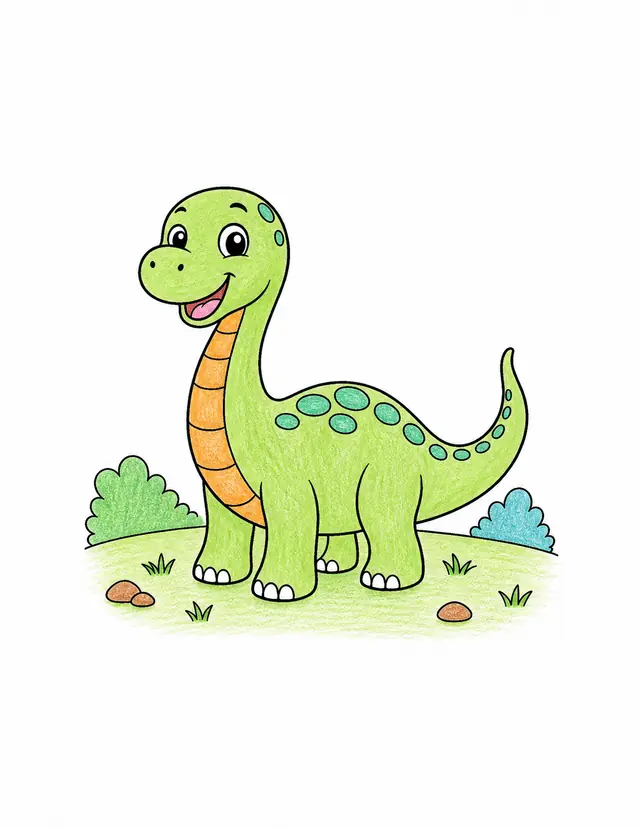
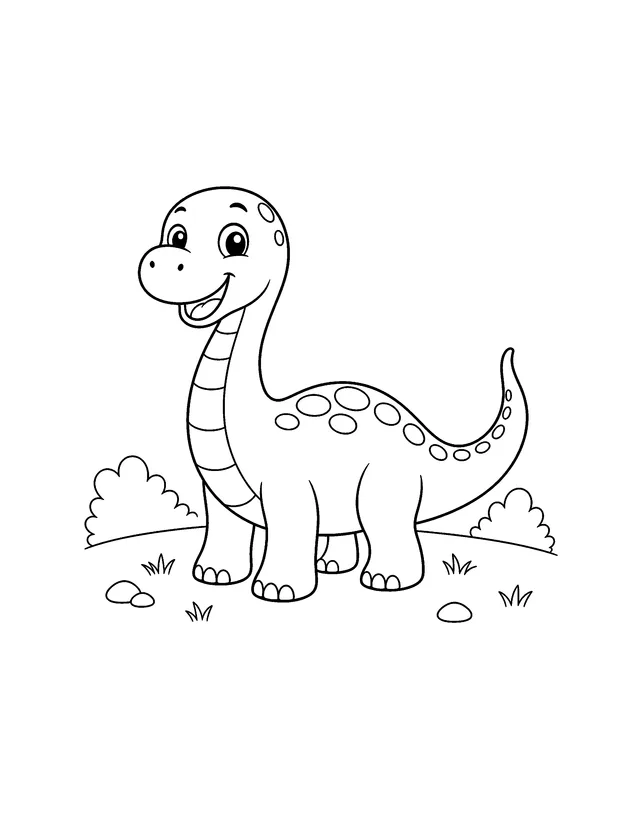
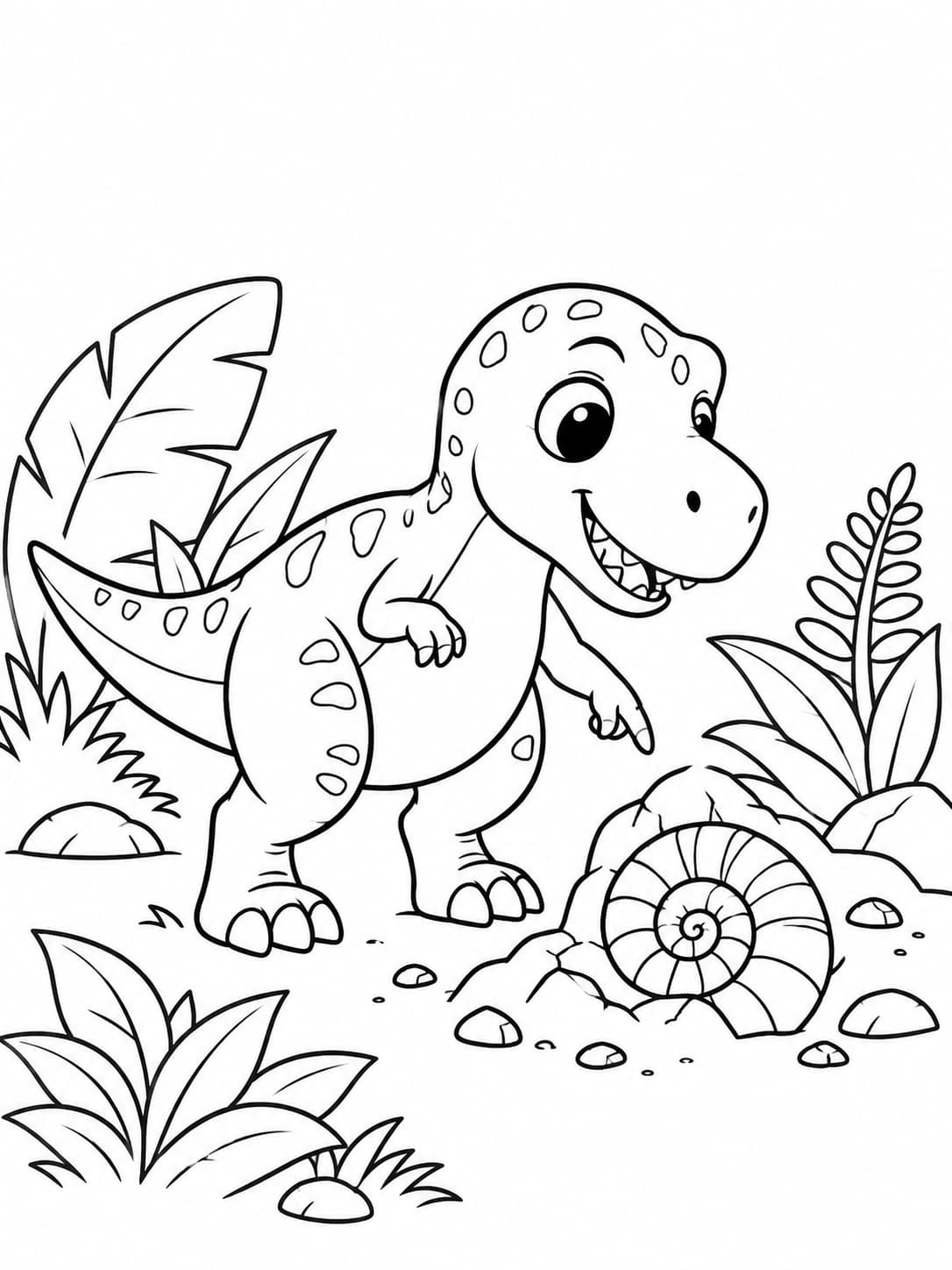
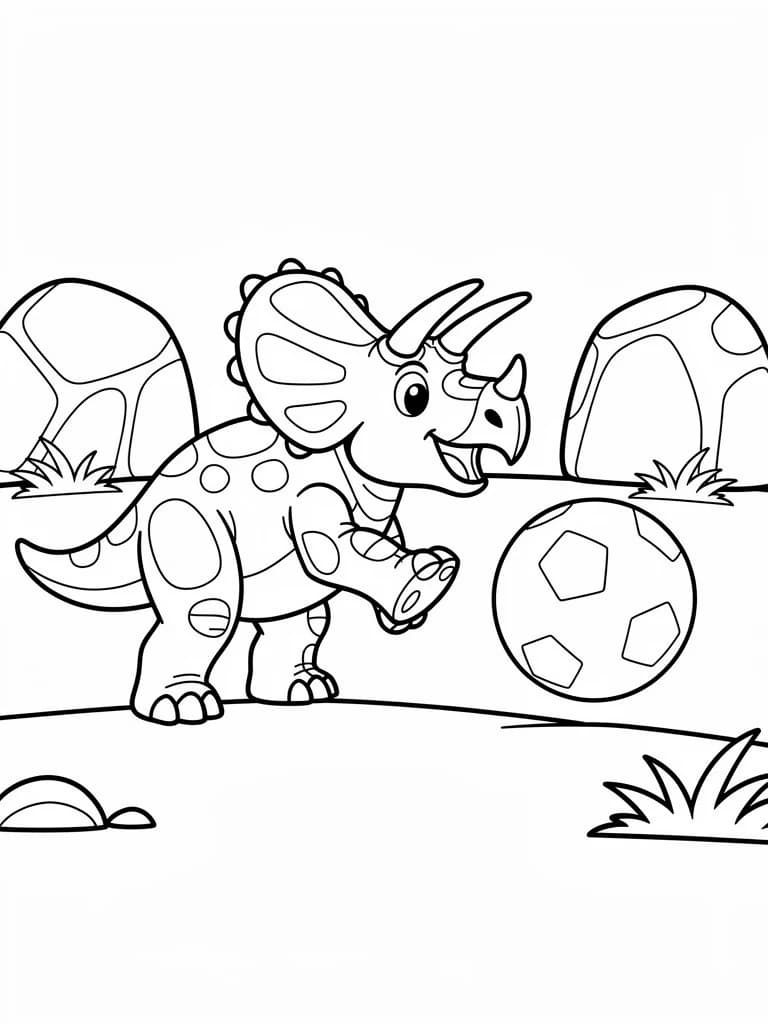
Happy dinosaurCartoon style - All ages
Turn text or a photo into high-quality, printable coloring pages—ready as watermark-free PNG or PDF.
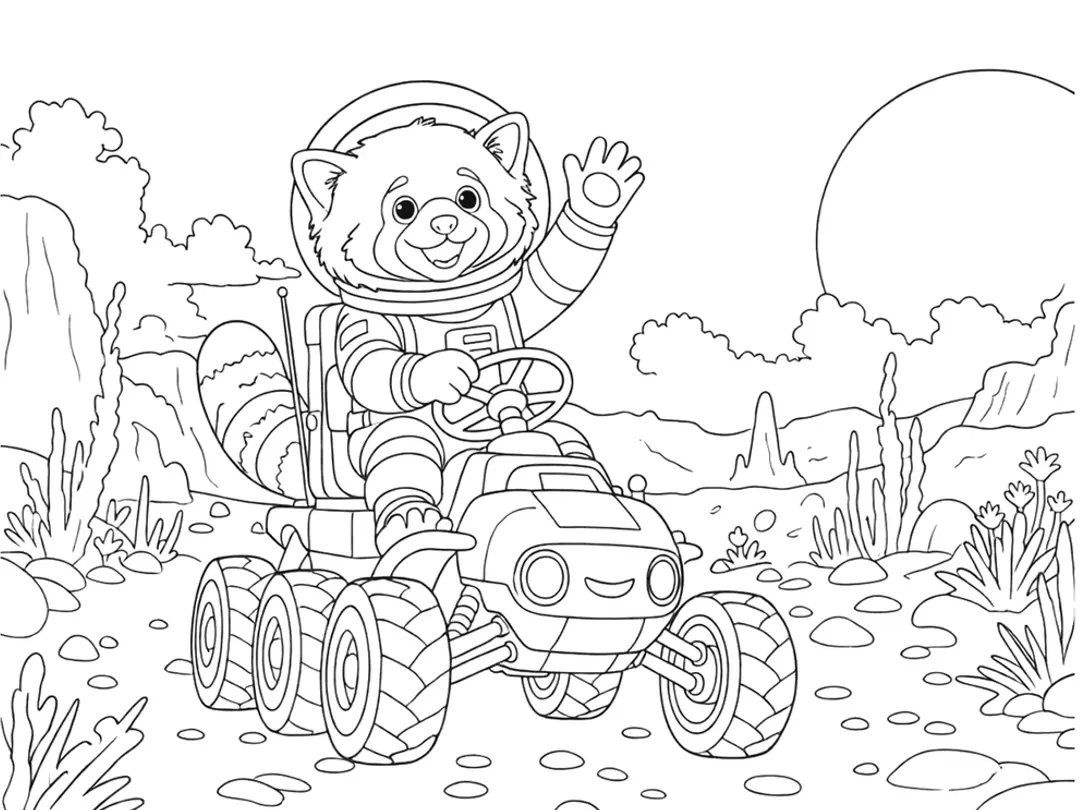

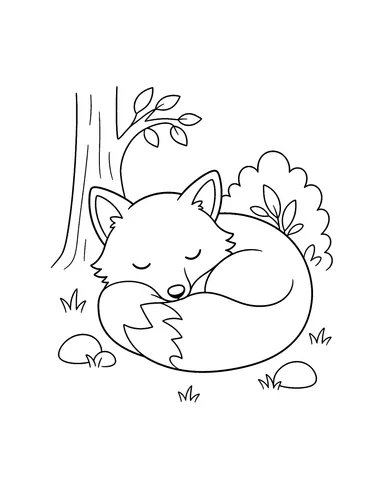
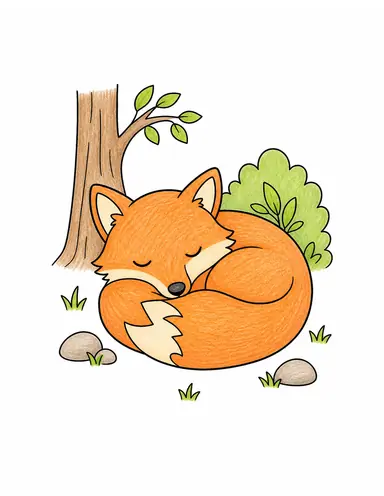
“A little fox sleeping in a quiet forest”
Choose Your Starting Point
Start with words or a photo. Make one page, create a batch, or turn a theme into a complete coloring book.
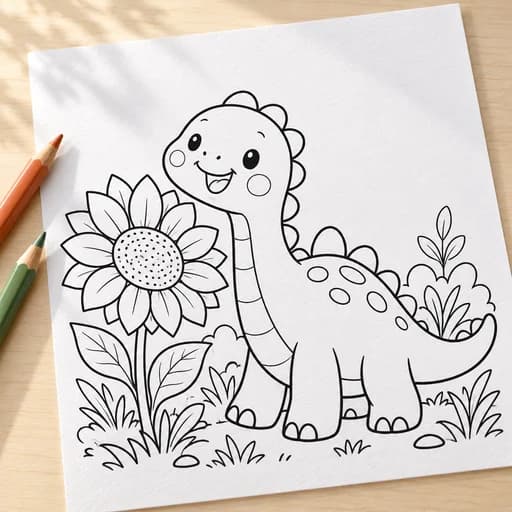
Describe one idea and create up to 4 versions. Pick your favorite to print or color.
Watermark-free PNG & PDF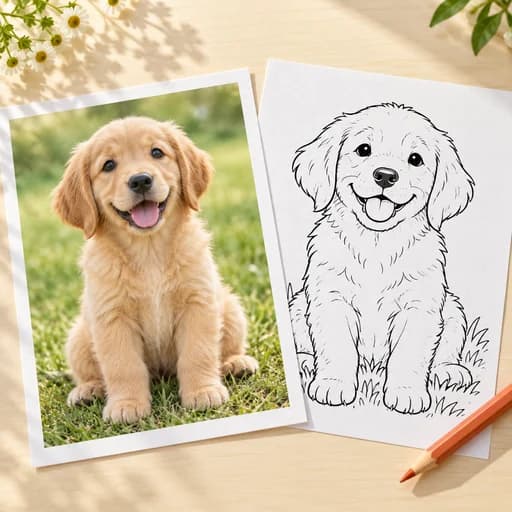
Turn a favorite photo into printable line art. Keep the details you love, or simplify the background.
Watermark-free PNG & PDF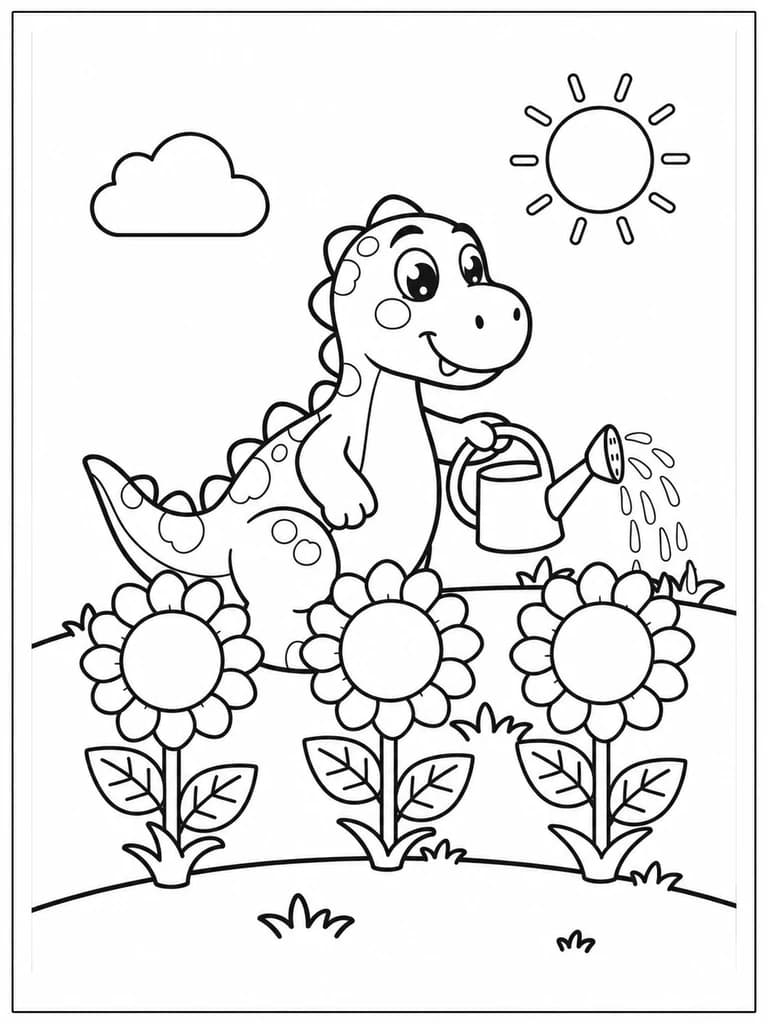
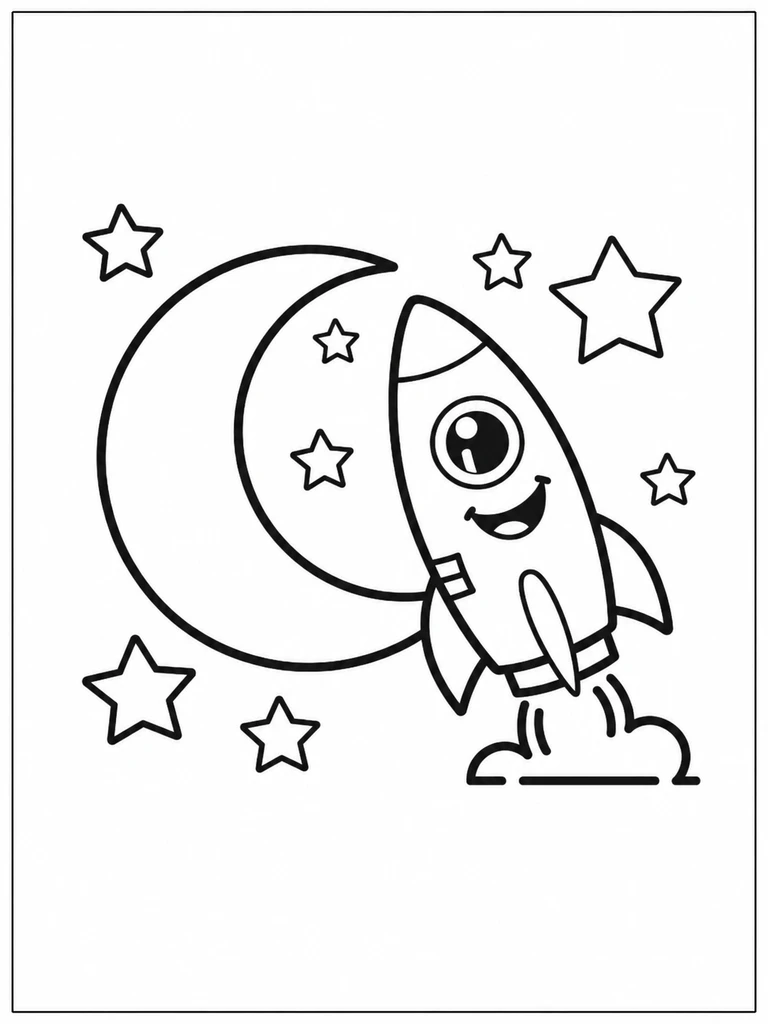
Have a list of ideas or photos? Make up to 20 separate pages together.
Download a ZIP or one PDF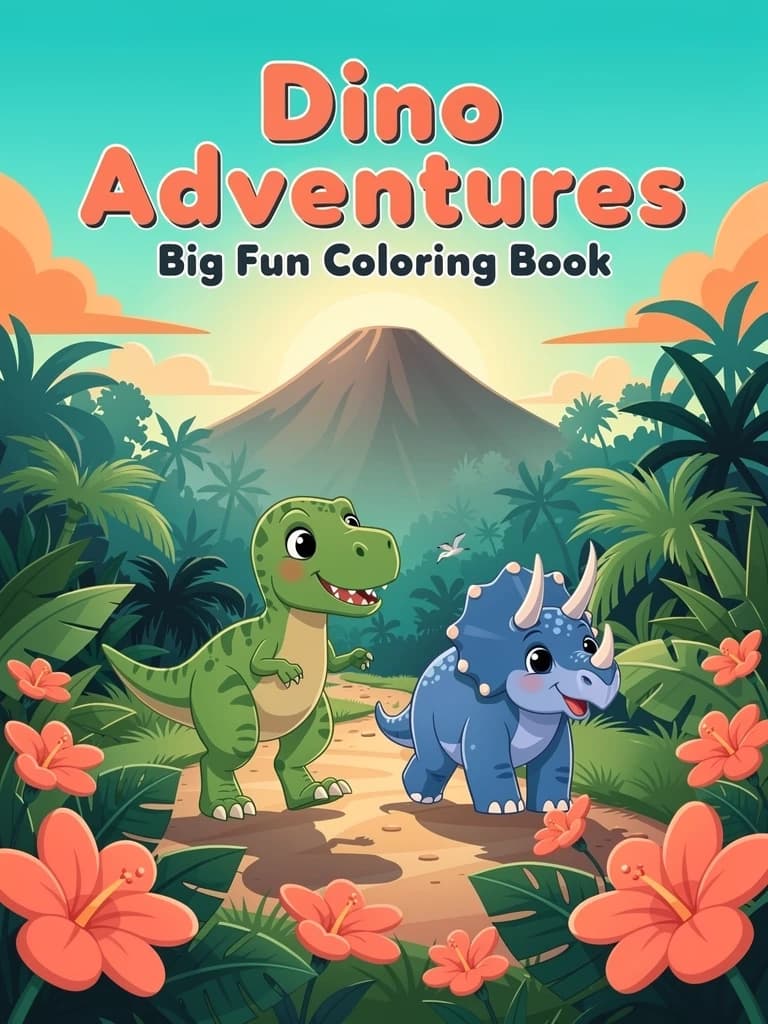
Choose one theme. Create a color cover and 3–40 coloring pages in a printable book.
Plan your book for freeBefore / After
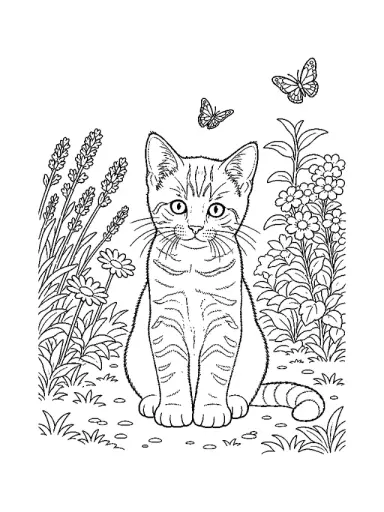
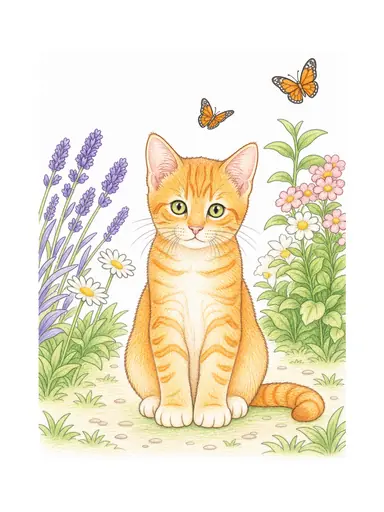
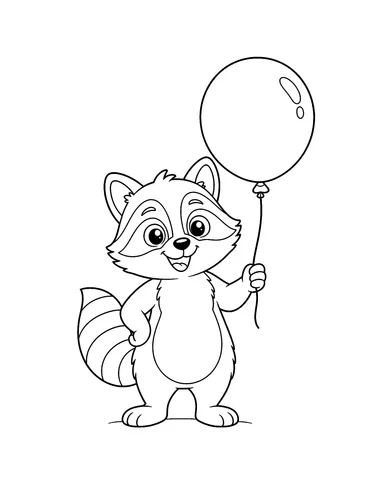
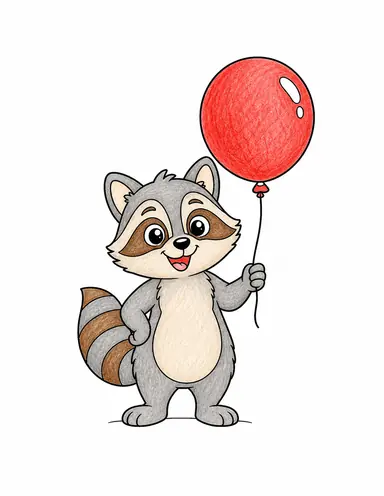
Drag the arrow handle to compare the printable coloring page with the colored version.
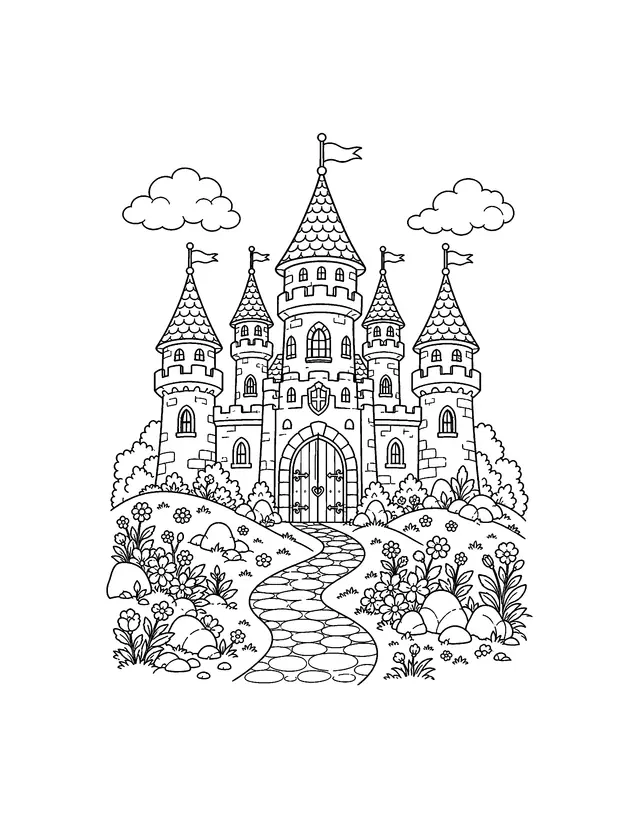 Blank
Blank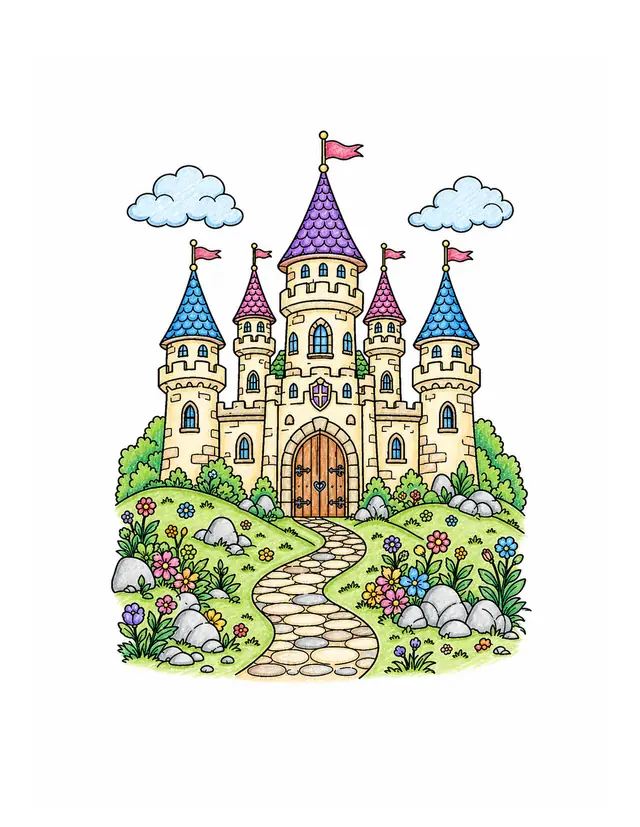 Colored
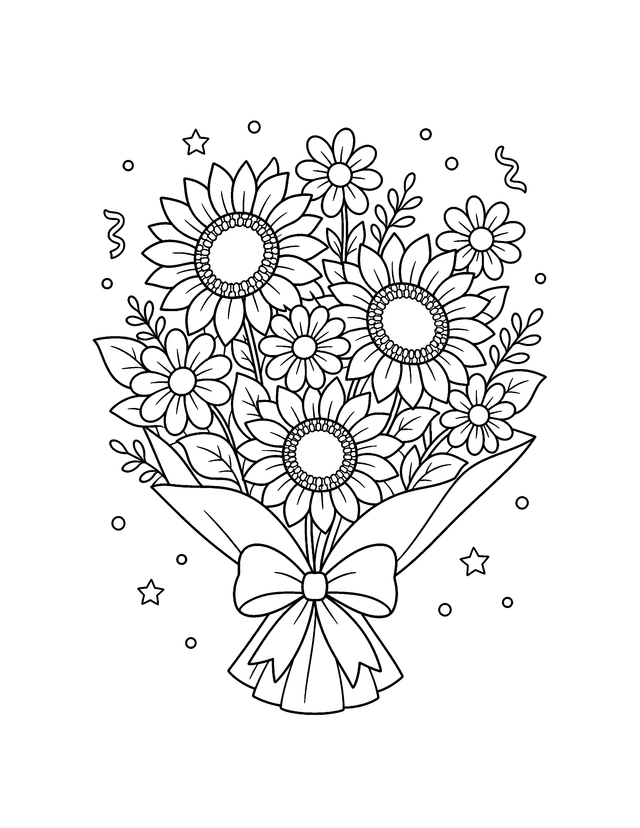 Blank
Blank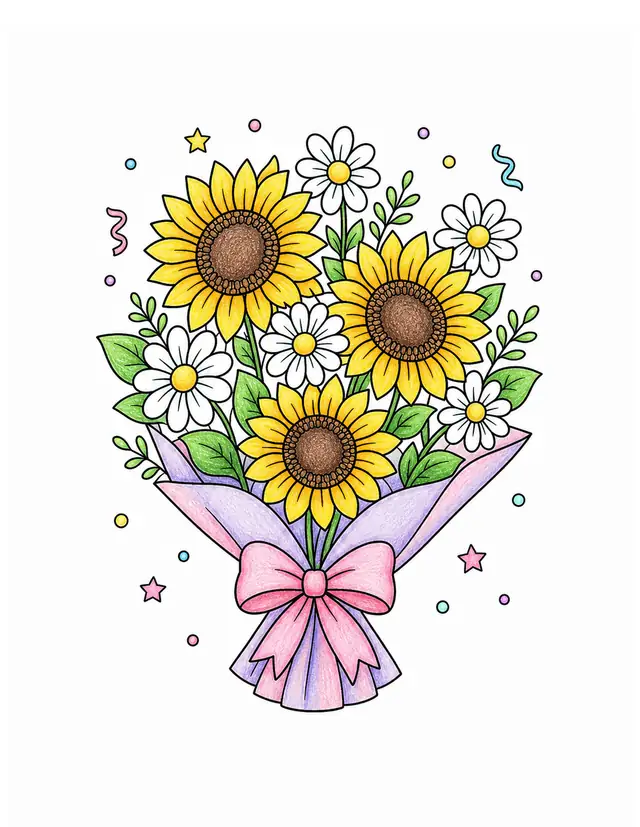 Colored
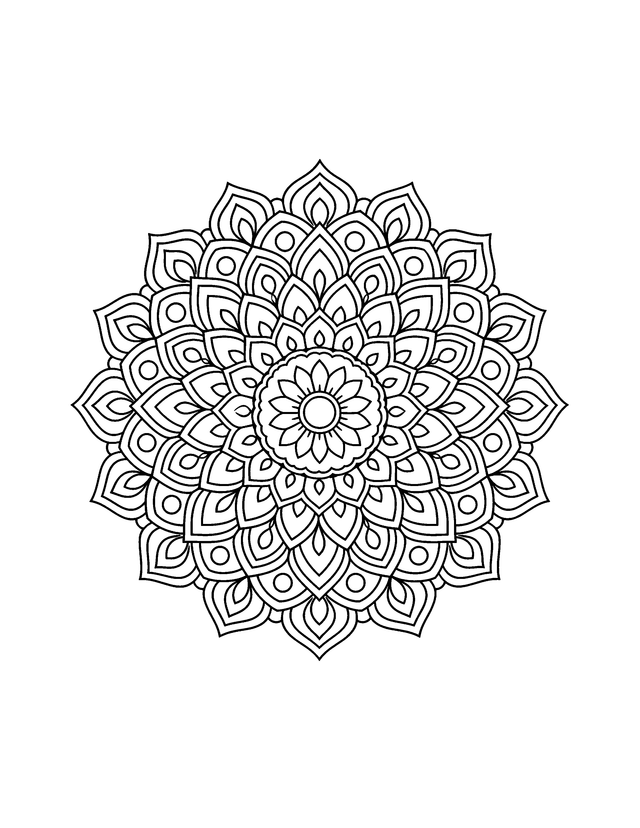 Blank
Blank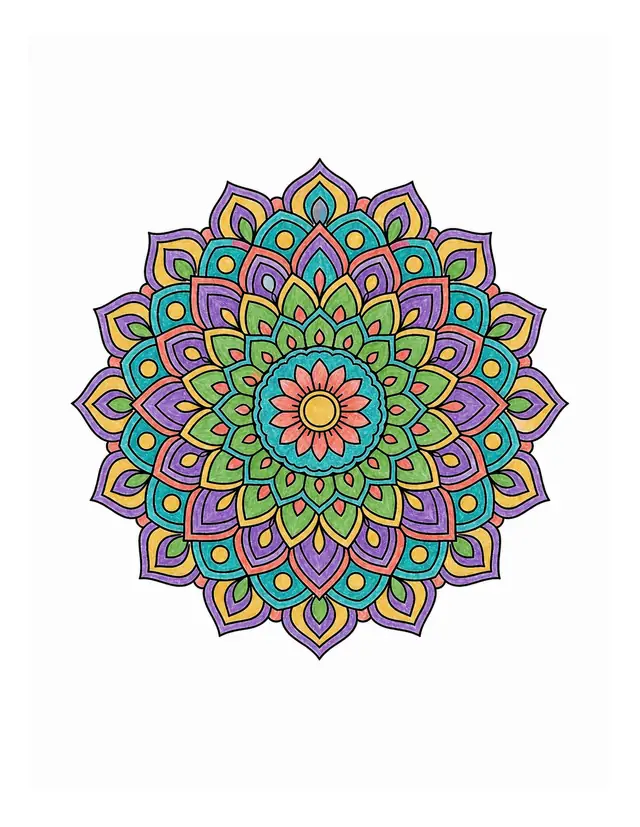 Colored
Free Resources
Choose a free coloring page and download a PNG or printable PDF. No sign-in needed.
3 Simple Steps
Write the subject and setting you want, or choose a photo you already own. The two dedicated workflows keep their controls focused instead of crowding everything into one form.
The AI coloring page generator turns the selected input into clean, printable coloring line art. Text mode adds age and page shape choices; Photo mode adds line-detail and background controls.
Review the result, then download a PNG or PDF for home or classroom printing. The generation cost is shown before you submit, and reserved credits are released after failure or timeout.
Multiple Styles
Pick an example to start with a matching prompt.
Made for Every Colorist
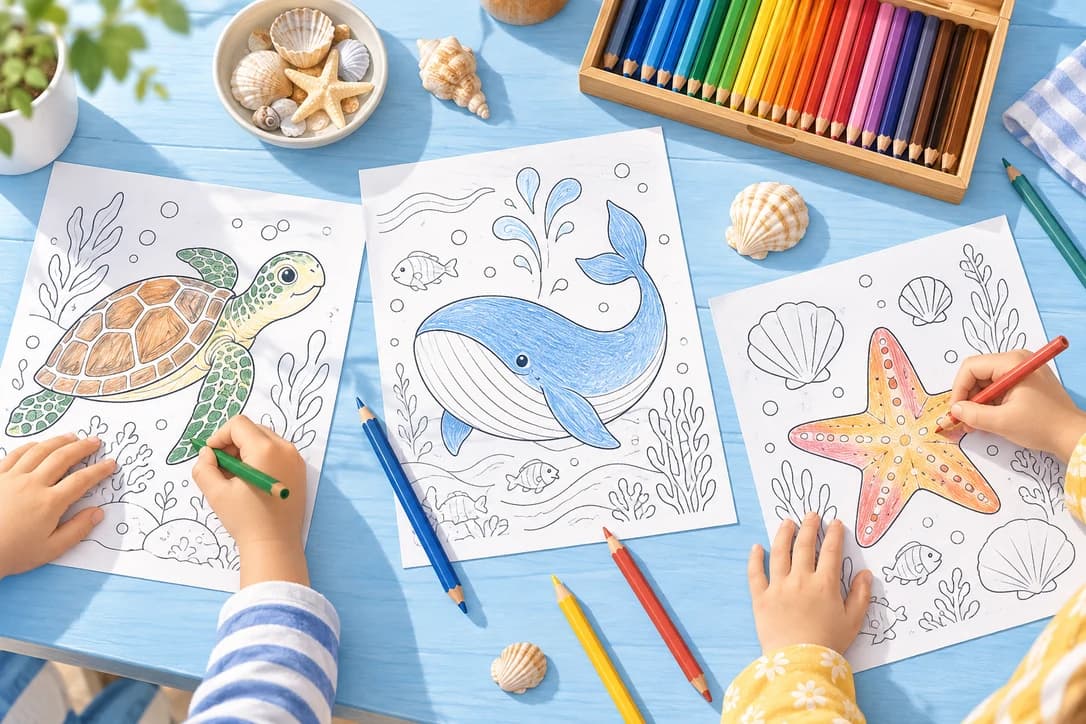
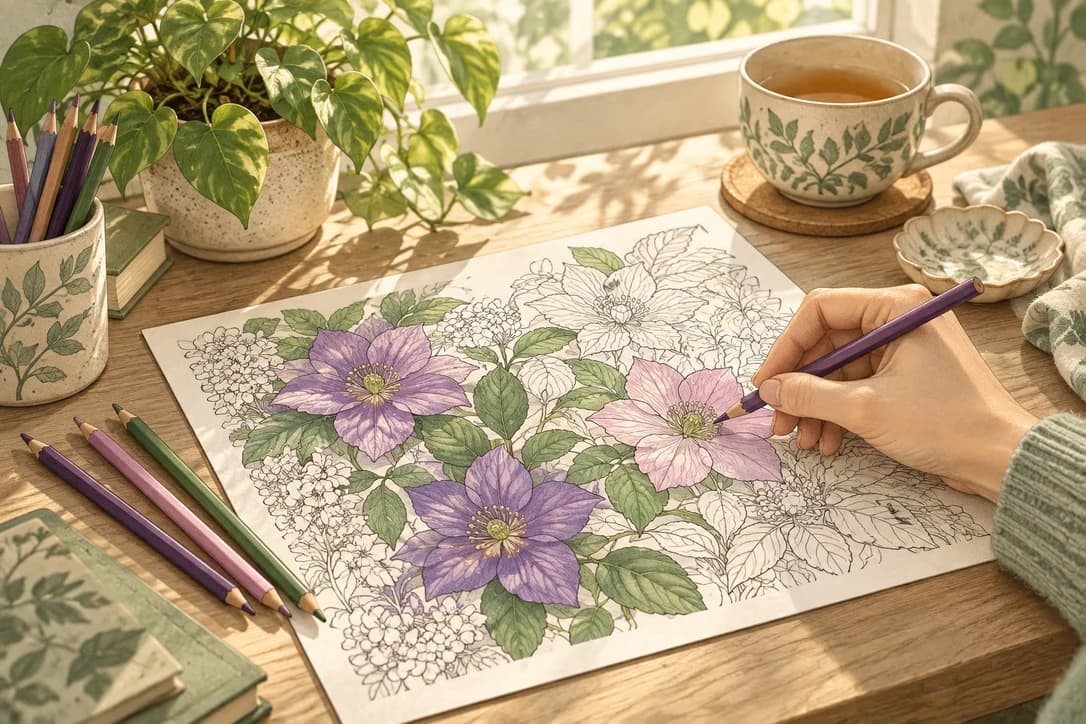
Use open shapes for younger colorists or detailed patterns for older kids and adults. Choose the feel, then make the subject your own.
Use Cases
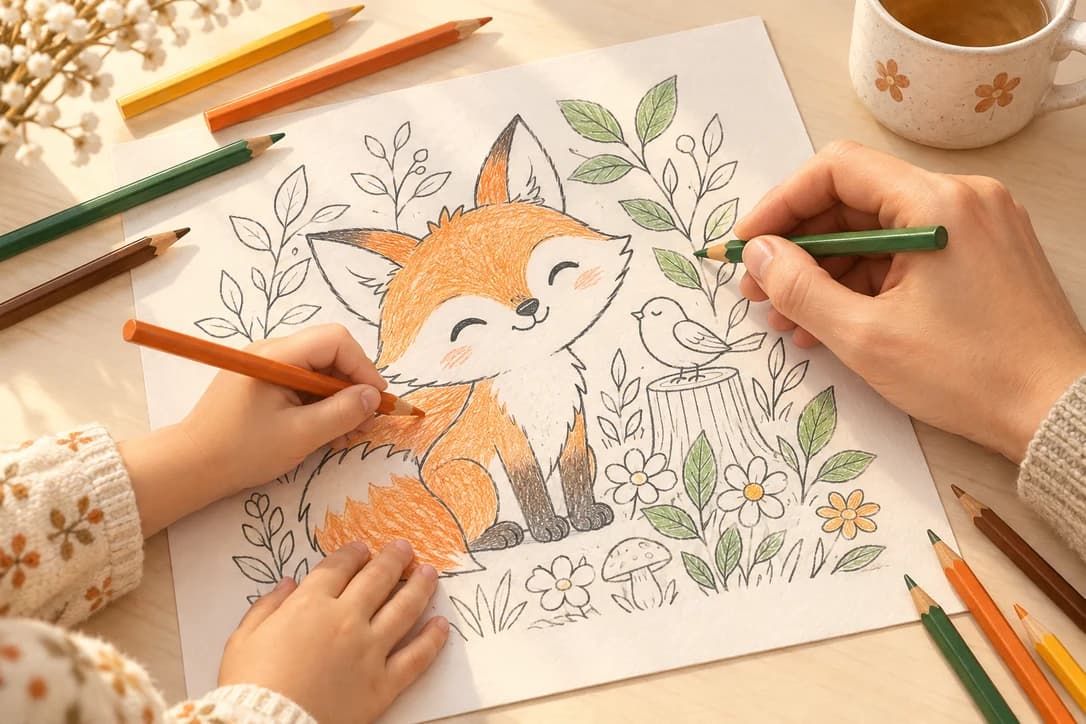
Parents, teachers, and coloring fans use the same coloring page generator for different jobs, from one-off activities to custom lesson themes and personal creative projects.
Before You Create
Quick answers about choosing a mode, downloading, credits, and keeping source photos and generated coloring pages out of public discovery.
Choose Text when you have an idea to describe, such as an animal, scene, lesson, or activity. Choose Photo when you already have a picture you want to simplify into a coloring page. Each mode has its own controls, while Home keeps the choice quick.
A successful generation can be downloaded as a PNG or PDF for printing. The separate Free Coloring Pages hub also offers editor-curated public downloads. Generated results and curated resources stay separate, so your creation is not automatically placed in a public gallery.
Source photos stay private. Standard generated outputs are unlisted by default, which means they are not added to public galleries, SEO pages, or the sitemap. Active paid subscribers can choose Private output when they submit a generation.
You need an account to generate, and signup credits let you try the workflow. The current credit cost appears before you submit, so you can review it first. Curated PDF and PNG downloads remain available without signing in.
Sign up free to receive starter credits. You will see the current cost before submitting, then you can download a successful result as a printable PNG or PDF.
Get Started Free ->