How to Use the Online Coloring Tool
- 01
Choose an Online Coloring Page
Start with a dinosaur, bouquet, or mandala, or import your own PNG or JPG.
- 02
Pick a Color and Start Coloring
Fill large areas, then use a brush for the details. Try another color any time with Undo.
- 03
Save or Download Your Artwork
Your progress is saved in this browser. Download a PNG or single-page PDF to keep or print.
Choose Free Online Coloring Pages
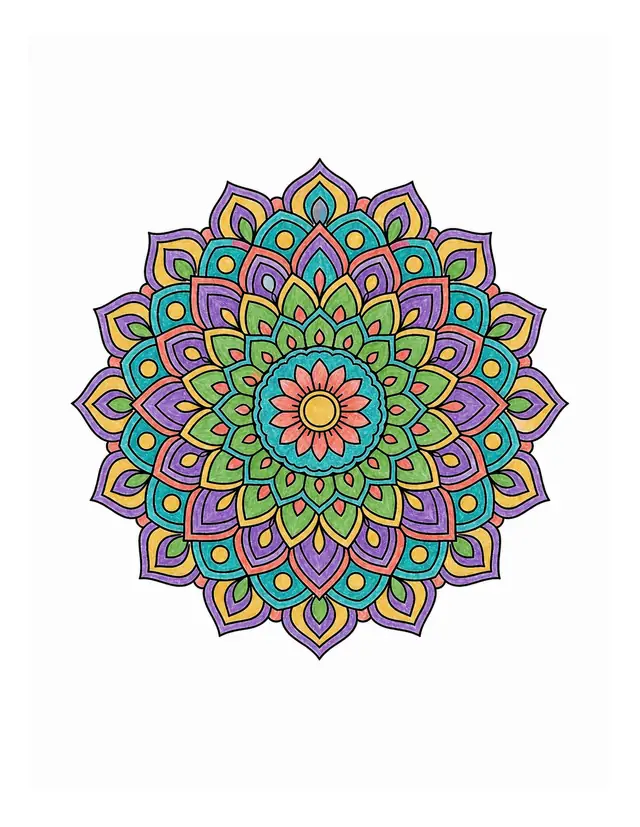
Online Coloring Tools: Fill, Brush, Gradients, and Patterns
Use the online coloring tools to start with a solid color, then add a gradient, pattern, or soft brush stroke. When coloring online, it does not have to be perfect to be yours.
- Start big, then add the details
- Choose Fill and click inside a shape. Zoom in to color tiny petals and circles separately. Gap protection helps with small breaks in outlines.
- Go beyond solid colors
- Try gradients, dots, or stripes. Add brush strokes in layers and turn on Stay in area to keep them within the starting shape.
- Keep your favorite colors
- Pick colors from your artwork with the eyedropper. Use + beside the palette to save the current color to My palette for later.
Online Coloring for Home, Classroom, or Quiet Time
Choose colors together
Online coloring makes it easy to choose colors together while a grown-up helps with small details. Save a picture of what you made together.
One page, many possibilities
Use the same online coloring page for a color activity and compare everyone’s choices. Download a single-page PDF to keep coloring on paper.
Take it one petal at a time
Online coloring can help you slow down. Open a mandala or bouquet, focus on one small area, and come back to finish it later.
Free Online Coloring FAQ
From your first click to saving the final stroke.
Where can I find free online coloring pages without an account?
Right here. You can use the free online coloring tool with featured pages or imported images without signing up or using AI credits. Fills, brushes, gradients, browser saving, and single-page downloads are included. Creating new pages with AI uses the separate generator's sign-in and credit rules.
Can I color my own image?
Yes. Click Choose a page and import a PNG or JPG up to 8 MB. For online coloring, clear black outlines on a white background work best, especially with closed shapes. For a regular photo, use Photo to Coloring Page first, then import the line art here.
What is the difference between Fill and Brush?
Fill colors a connected area with one click. Brush follows your movement for layers and details. Turn on Stay in area to keep brush strokes inside the area where you start. Eraser removes color without removing the outlines.
How do I color tiny areas or stop color leaking out?
Zoom in and click inside the shape, away from the black outline. Separately outlined petals and circles need separate clicks. If color leaks out, undo and turn on Gap protection. For clearly open shapes, use Brush; gap protection cannot repair every broken outline.
Can I continue after closing the page?
Once you see Saved in this browser, you can return using the same browser. Each page keeps its own progress. Clearing site data, using private browsing, or changing devices may make browser drafts unavailable. For free online coloring pages from CPages, click Save to account to continue on another device, then find them in My coloring. Imported images stay in your browser. You can also download a PNG or PDF copy.
Can I download or print my artwork?
Yes. Click Download artwork and choose PNG or a single-page PDF. PNG keeps an image copy; PDF is ready to open and print. Both preserve the proportions of your artwork without cropping. Your download contains only the artwork, not the tools or palette.
How do I color small details on my phone?
When coloring online on your phone, tap an area to fill it. Use + to zoom in, then Pan to move to the detail you want. Colors and tool settings are below the canvas. Use Undo to try again, or Fit to see the whole page.
Create a New Coloring Page to Color Online
Explore more free pages, or create a new coloring page from your words or photos before you color online.
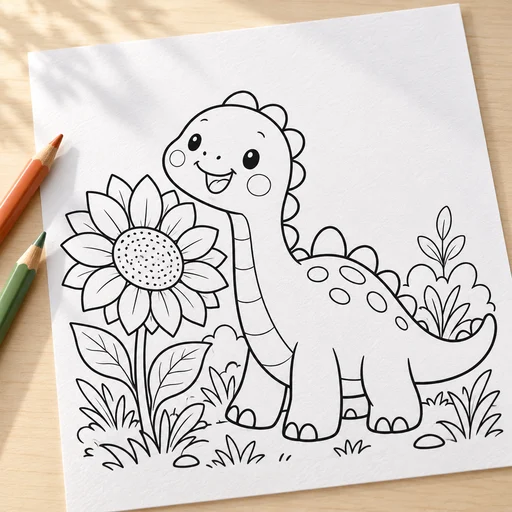 Create a page from textDescribe the picture you imagine
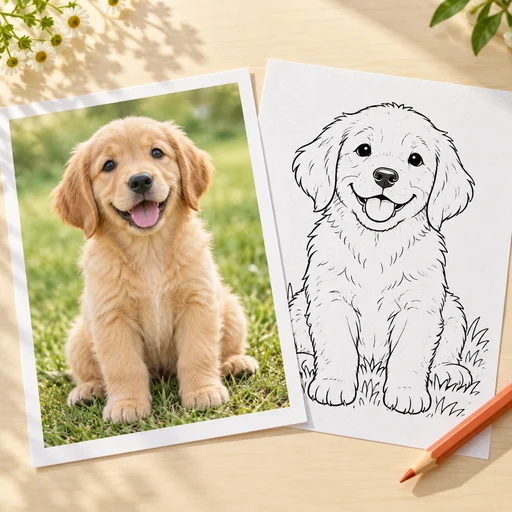 Turn a photo into a coloring pageStart something new with a photo