For classrooms
A different idea for every desk
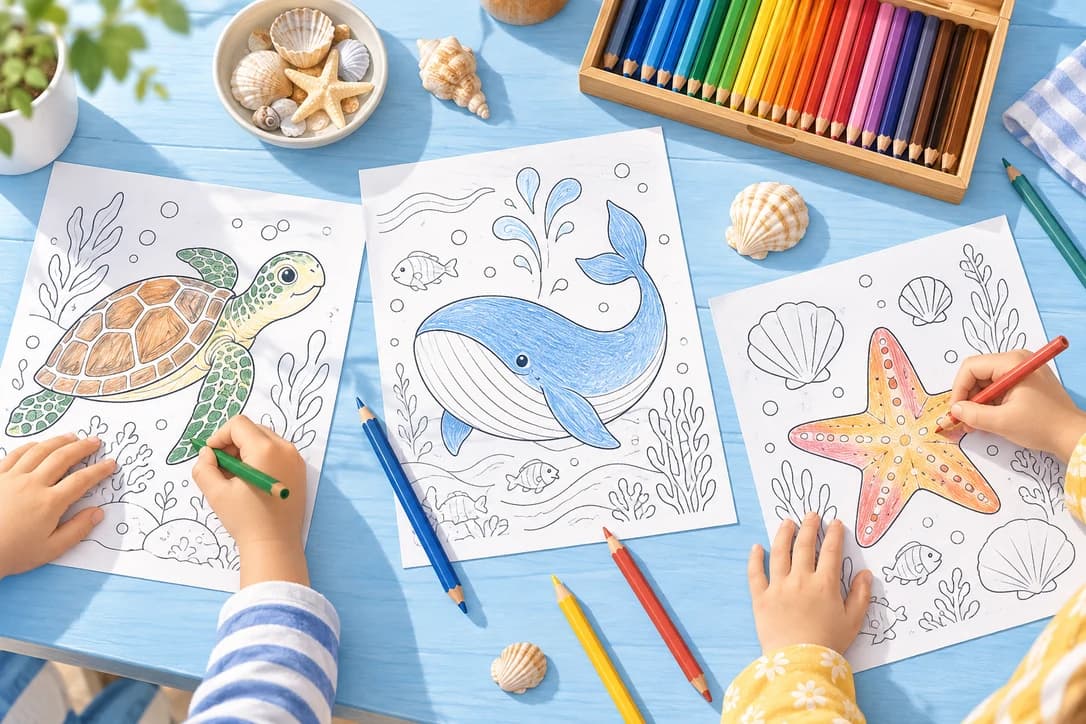
Prepare animal scenes, seasonal activities or a list of student ideas together. Use shared settings to keep the level of detail consistent.
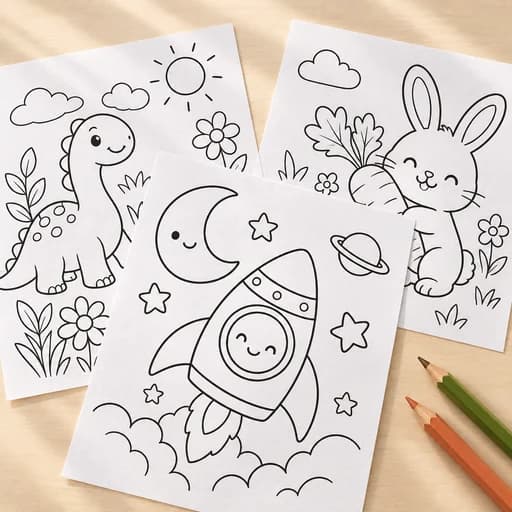
Create up to 20 printable coloring pages at once from text ideas or photos.
Sign in to find your batches and pick up where you left off.
From a list to a printable stack
This bulk coloring page generator gives each idea or photo its own printable page while applying shared settings across the batch.
Write one scene per line, or select up to 20 photos. Review the list before you begin.
Pick an age group or photo detail, then choose a resolution. Check the total credits before generating.
Watch pages arrive, then save the completed batch as individual PNGs, a ZIP, or one printable PDF.
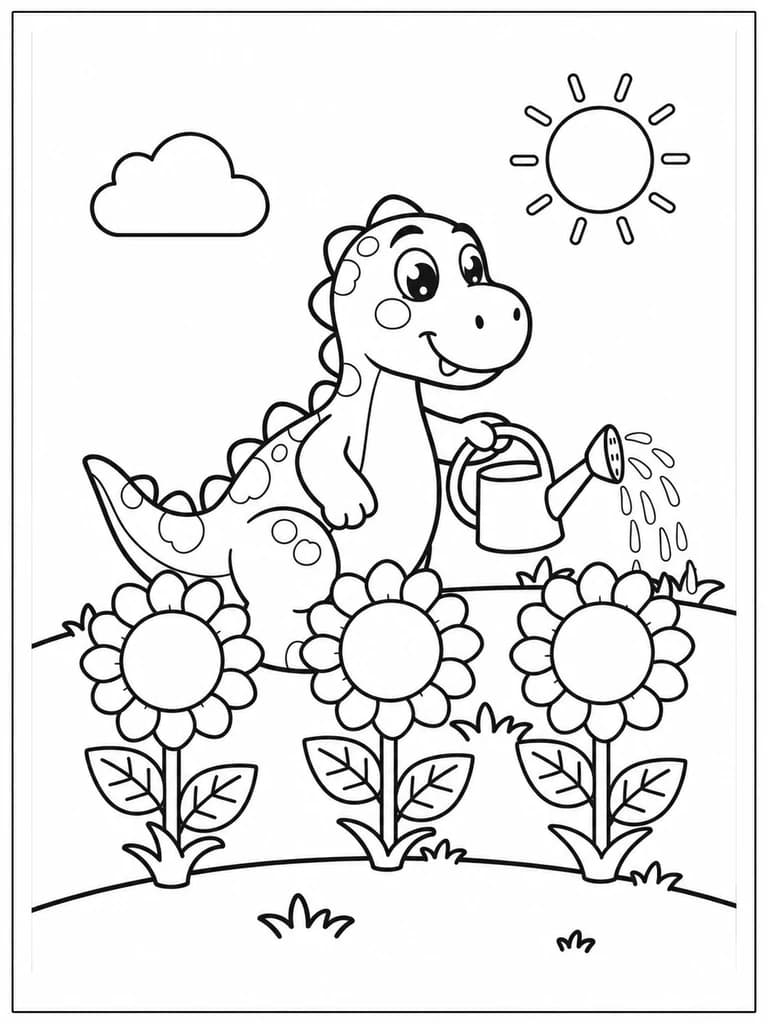
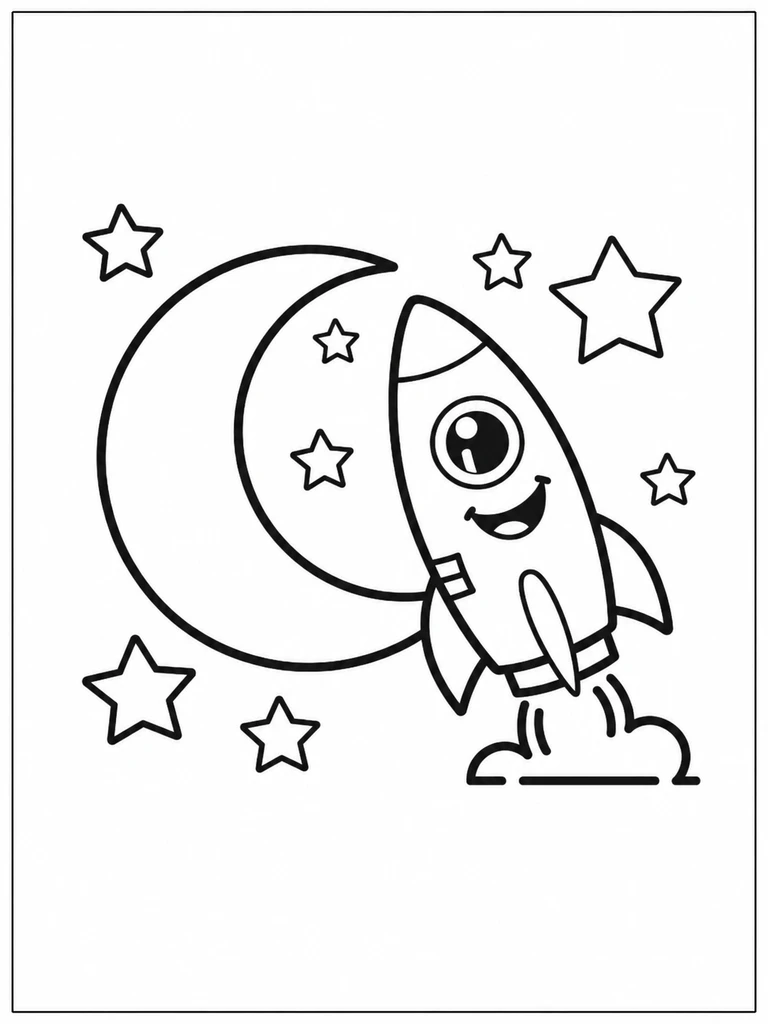
Two ideas. Two different pages.
A classroom list doesn’t need to stay on one theme. Give the dinosaur fan and the space explorer a page of their own.
A little preparation. More coloring time.
Prepare animal scenes, seasonal activities or a list of student ideas together. Use shared settings to keep the level of detail consistent.
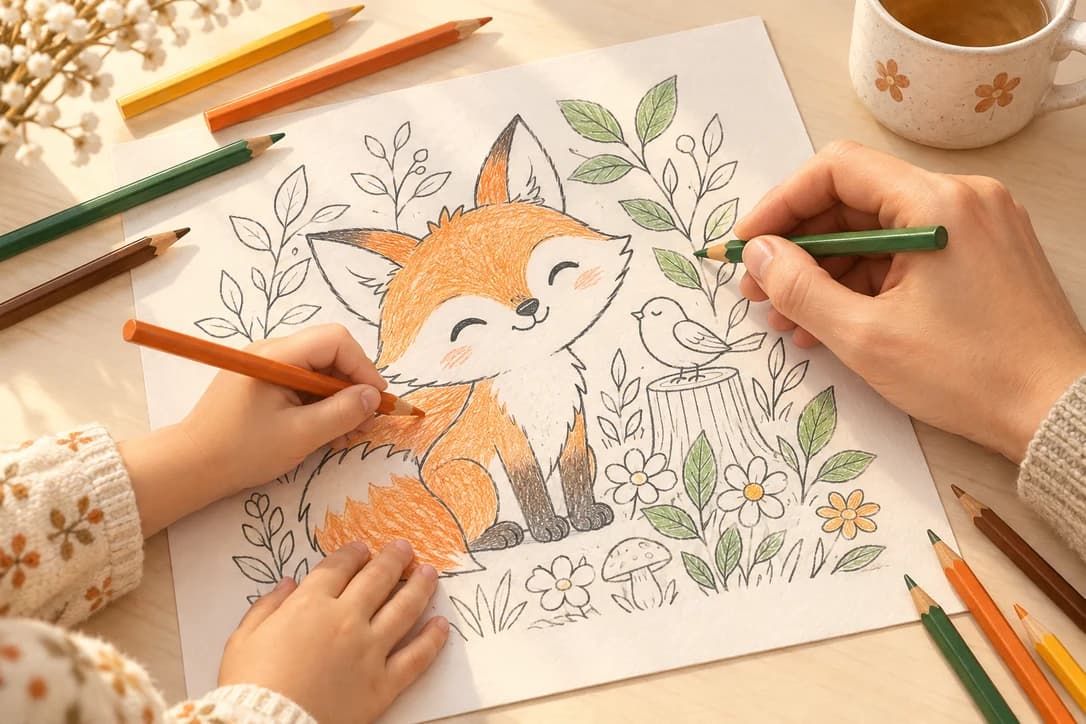
Choose family or pet photos and turn them into pages to color together. Start with clear subjects and simple backgrounds.
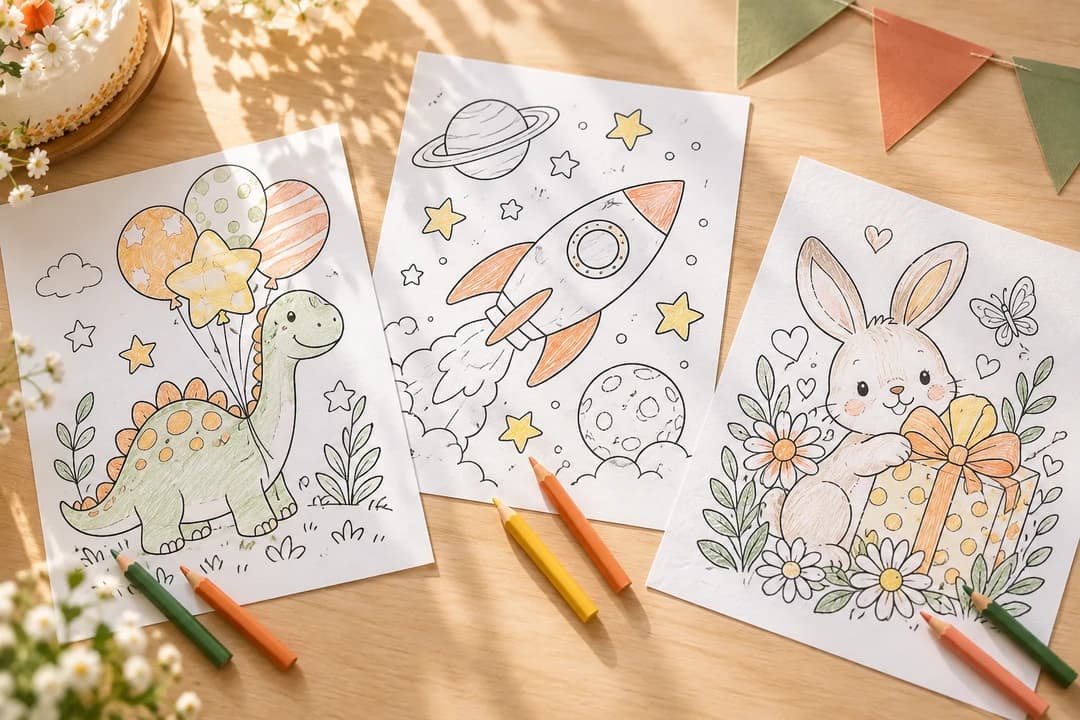
Make a mix of birthday, space or dinosaur scenes, then print the combined PDF for your coloring table.
Before you start
Yes. Use Text mode as a batch text to coloring page generator: enter 1–20 separate prompts, one per line. Or use Photo mode to turn multiple photos into coloring pages with shared detail and background settings. Each input creates a separate page.
The total is shown before you generate: 2 credits per page at the base resolution, 4 at 2K, or 6 at 4K. New accounts receive 10 free credits—enough to try up to five base-resolution pages—with no credit card required. Private output requires an active paid subscription. New pages are delivered without a watermark.
Yes. Download a ZIP of the completed PNG files or one combined printable PDF. Pages stay in your input order. You can also download individual pages from the batch details.
Completed pages remain available. Failed and stopped items are not charged. Retry failed items separately after reviewing the new credit total.
Your submitted batches are saved to your account. Open a batch from History to see its progress or download the completed pages.
Use clear JPG, PNG or WebP images, up to 10 MB each. Choose Simple or Detailed and whether to remove the background. Your uploaded source photos stay private.
No. A batch turns separate ideas or photos into separate pages with shared settings. Use the AI Coloring Book tool when you want to develop a coordinated book from one theme. Explore AI Coloring Book →
Ready for some coloring time?