Theme book
Bring your favorite theme to life in line art.
Create a beautiful coloring book from your favorite theme or your own characters. Enjoy expressive scenes, clear black-and-white pages, and a colorful cover.
Bring your favorite theme to life in line art.
Give your characters a story to color.
10 free signup credits. A cover + 3 coloring pages costs 8 credits; new characters cost 2 credits each. PDF included.
MORE STORIES. MORE POSSIBILITIES.
Explore a topic below, or return above to create a character story.
THEME BOOK EXAMPLE
Dino Adventures
3 different inside pages + 1 color cover
FROM IDEA TO PAPER
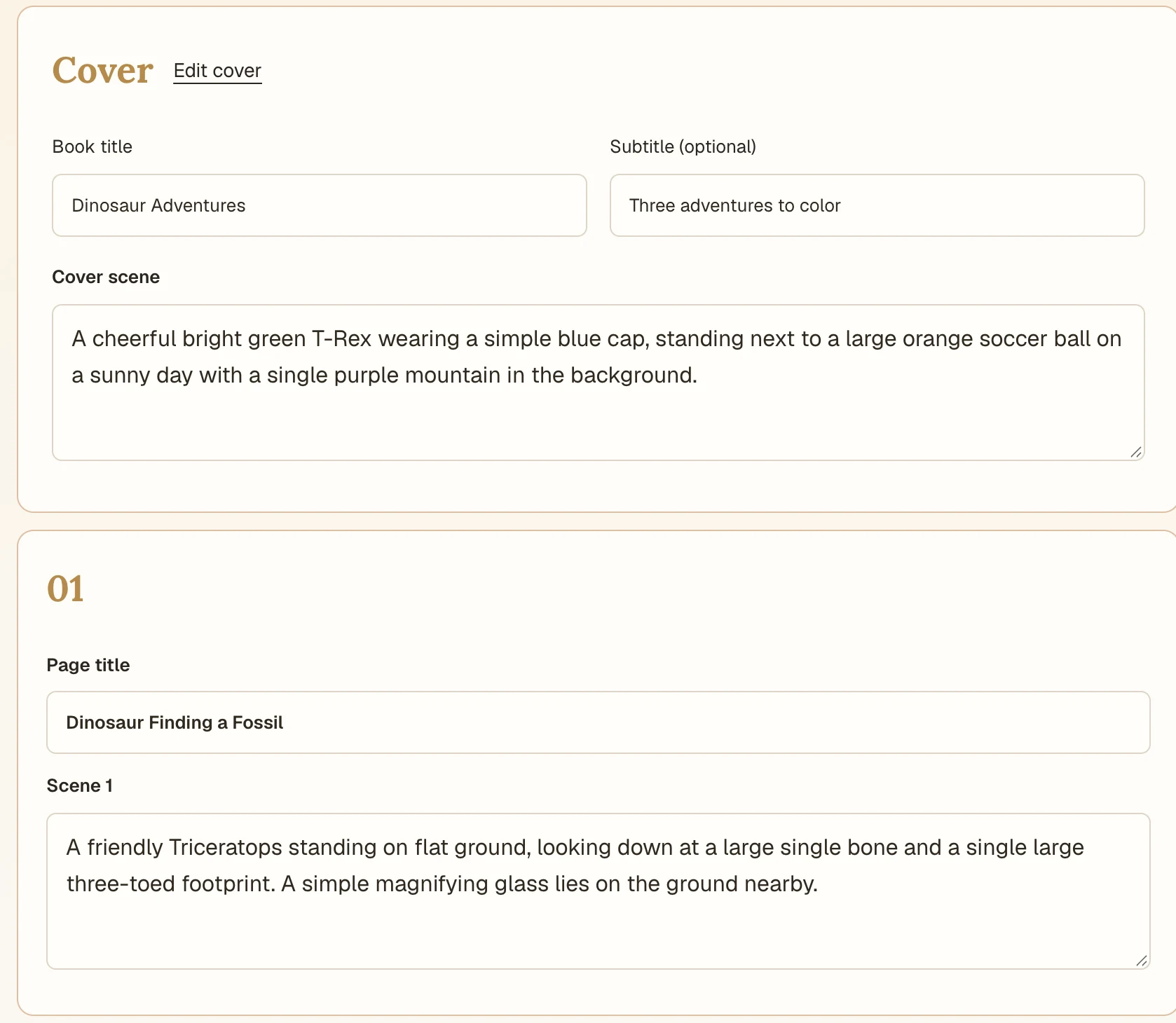
Describe a theme, or create characters from text or an image. Choose 3–40 coloring pages and the detail level you want.
Review your free plan. Edit the title, scenes, and page order to shape the book you want to make.
For either mode, try the cover and first page for 4 credits, or generate the full book directly. Check the credit cost on the generation button. To redraw a page, open Edit, then Redraw. Download your PDF from My Pages.
MAKE THE BOOK YOU IMAGINE
Build a theme book or a story with recognizable characters. Choose the detail, refine individual pages, and keep your finished book together.
| What matters in your book | Assembling pages yourself | CPages coloring books |
|---|---|---|
| A book that feels connected | Plan and organize each scene yourself | ✓Review a theme plan or a story sequence before generating |
| Characters you recognize | Track character descriptions and references across pages | ✓Reuse saved character references throughout your story |
| Pages you’re happy with | Manage replacement images and earlier files | ✓Redraw one page, keep the rest, or restore a saved version |
| A complete book to print | Assemble the cover and pages into a file | ✓Download your color cover and ordered pages in one PDF |
MAKE ROOM FOR YOUR MOMENT
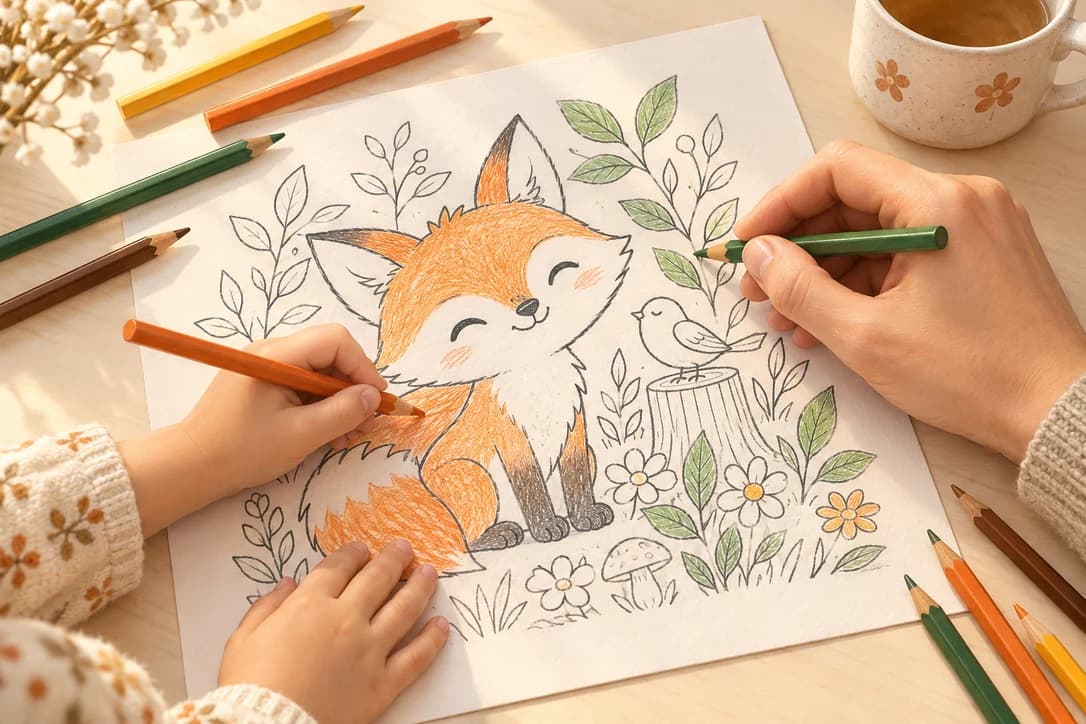
Turn a child’s invented characters into a story you can print and color together.
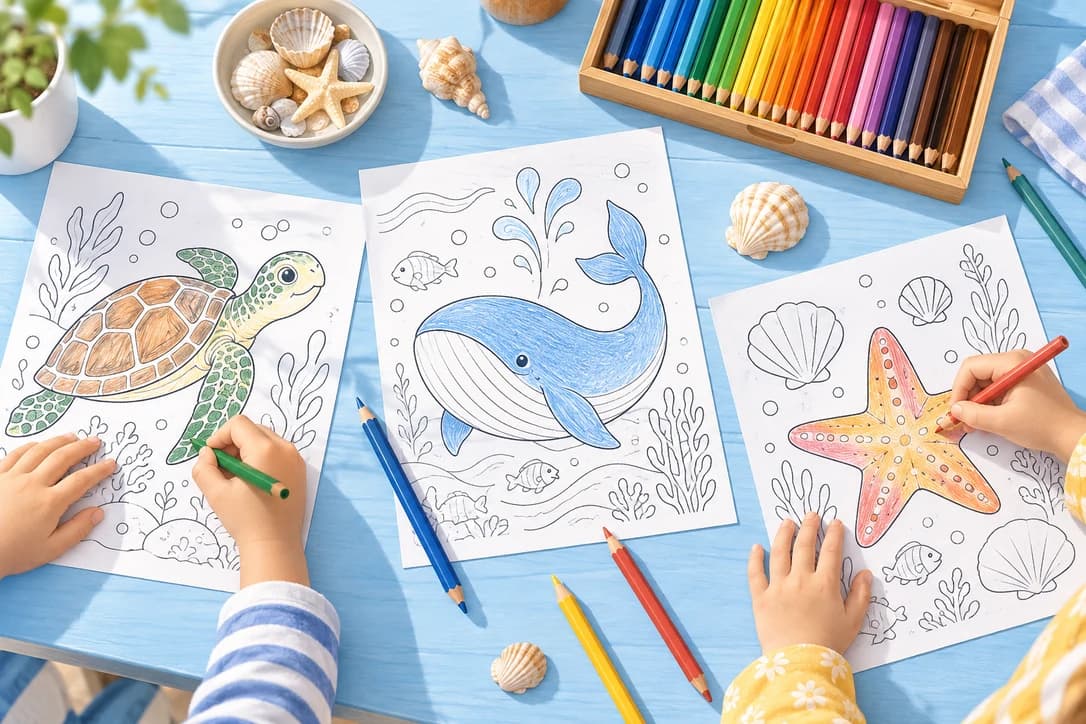
Explore a nature topic or retell a familiar tale through scenes your class can color.
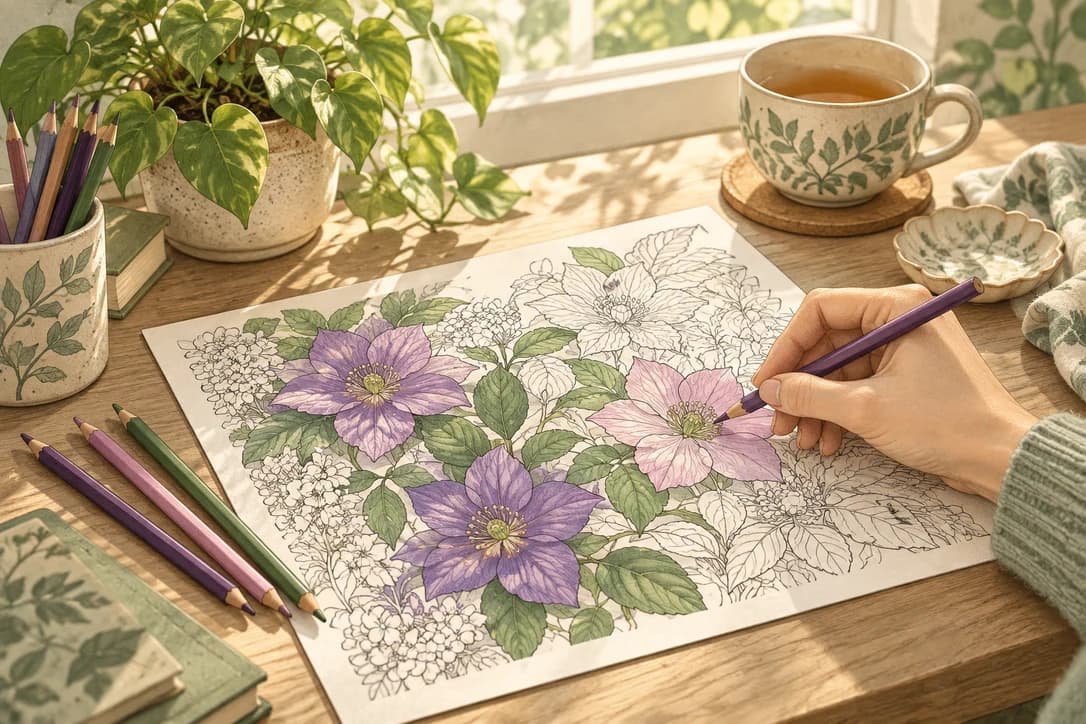
Choose flowers, gardens, or an imagined world, with the detail you enjoy coloring.
PRINTABLE COLORING BOOK GUIDE
Character consistency, coloring detail, and making your first printable book.
A theme book explores one topic through different scenes, such as dolphins, reefs, and octopuses in an ocean book. A character story follows your chosen cast through a sequence of events. Both start with an editable page plan and include a color cover, black-and-white coloring pages, and one printable PDF.
Create a character from text or an image, or choose one from My Characters. CPages reuses the saved reference in each scene where that character appears. Add up to three characters to a story, then preview the cover and first page before finishing the book. You can redraw a page and choose the version you prefer.
Yes. Both theme books and character stories offer a color cover and first coloring page for 4 credits, or you can generate the full book directly. Review your sample, edit the remaining scenes if needed, then choose whether to finish the book. The remaining pages cost 2 credits each; your sample pages stay in place without being charged again. Each generation button shows its credit cost.
The written book plan is free. Sign up for 10 free credits; generating three coloring pages and a color cover costs 8 credits, with the PDF download included. Creating a new character costs another 2 credits per character. Extra pages and redraws also use credits. The Free plan is for personal use.
Choose 3–40 inside coloring pages plus a color cover. Pick simpler scenes with larger areas to color, or richer detail for a longer coloring session. You can also choose the image shape. The full credit cost appears before you generate.
Review the title, subtitle, and scene descriptions in your plan before generating. For an existing illustration, open Edit, then Redraw to change its description and redraw that page while keeping the others. Cover redraws also let you change the title and subtitle. Reordering pages and restoring a saved version are free; redraws cost 2 credits per page.
Yes. Download one portrait US Letter PDF with the color cover first and your coloring pages in order. Print at home or through a print shop. Artwork fits within the page without stretching or cropping; wider images leave more white space.
Active paid subscribers can choose Private before generating a theme book or character story. Only the owner can access Private files. Otherwise, anyone with the unlisted link can open the book. Source uploads stay private.
Open My Pages to continue a saved book, review its illustrations, or download the PDF. Your saved characters are in My Characters, ready to use in another story.
Your completed pages and saved plan are kept. Open the book to see which page needs attention and the next step. If a scene is blocked, you can revise it there. Failed pages do not use credits; any new redraw shows its cost before you start.
ONE IDEA. YOUR OWN BOOK.
Give your favorite theme or characters a book of their own. Start with a free plan, then create pages to print, color, and share.
Free page plan · Credit total shown before generation · One printable PDF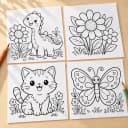 Free printable coloring pages
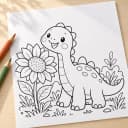 Text to coloring page
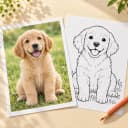 Photo to coloring page